Contents
Authentication and keys
Two-step authentication and Touch ID
Two different things, one page: the code a server asks you for, and the fingerprint SSHive can ask you for.
By Lucas Russo, developer of SSHive · Updated
A two-factor code (Google Authenticator, Duo…)
When the server asks for a code, SSHive shows Two-step authentication with the server's own question. Type the code, then confirm, or press Return.
If you keep that code in SSHive's OTP authenticator, unlocked, an OTP button appears in the field: it lists your tokens, and one click inserts the code.
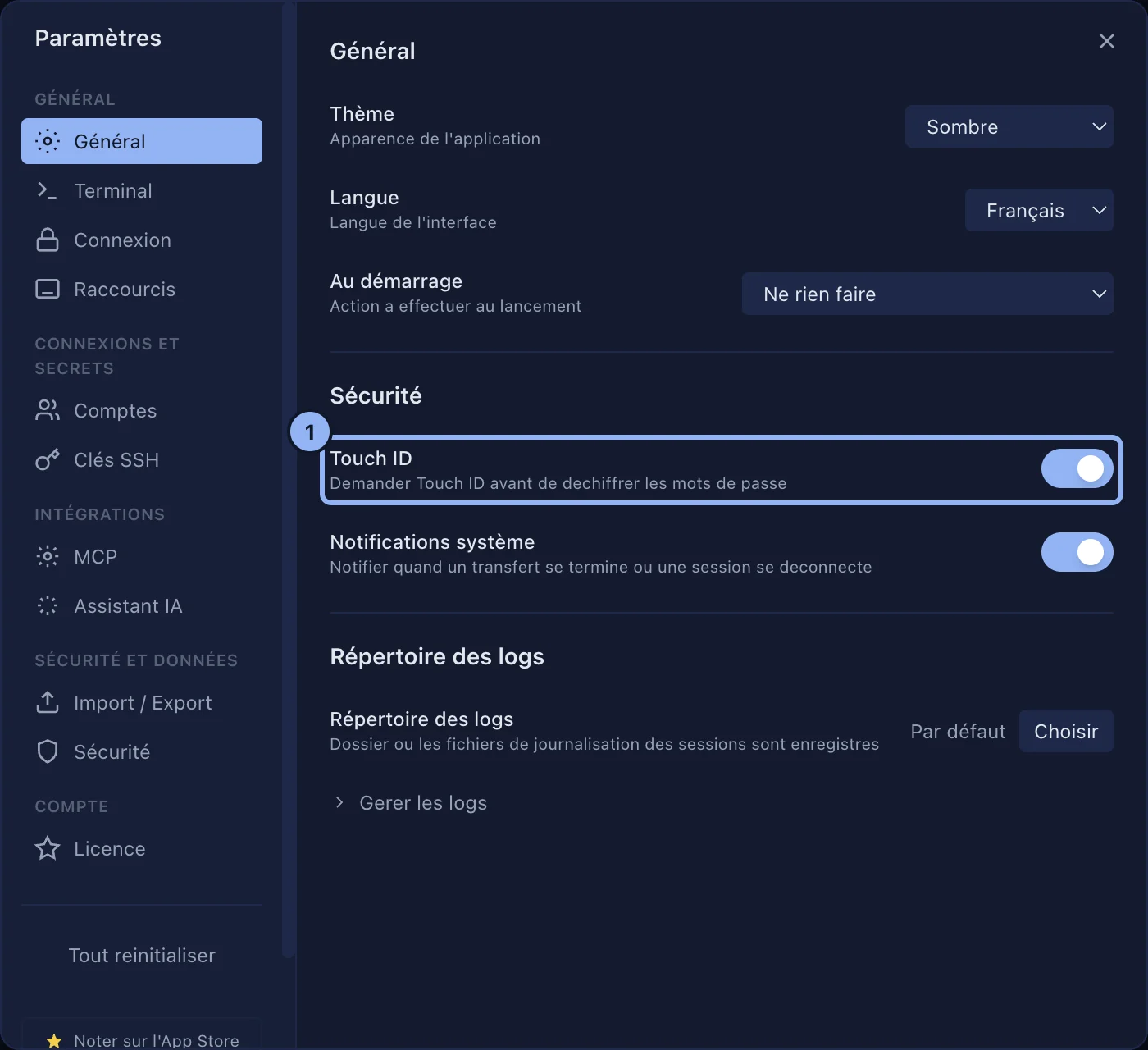
Touch ID
Settings > General, the Security section, the Touch ID switch, off by default. Turned on, SSHive asks for Touch ID before every SSH connection, whichever authentication method the profile uses. It also unlocks the application and the OTP vault.
Applies to SSHive 2.0.6 on Mac