Contents
Other connections
Network tools
A diagnosis tab, free: the Network Tools button of the sidebar (the globe), or Home, Network Tools. Every tool also has its own page on this site.
By Lucas Russo, developer of SSHive · Updated
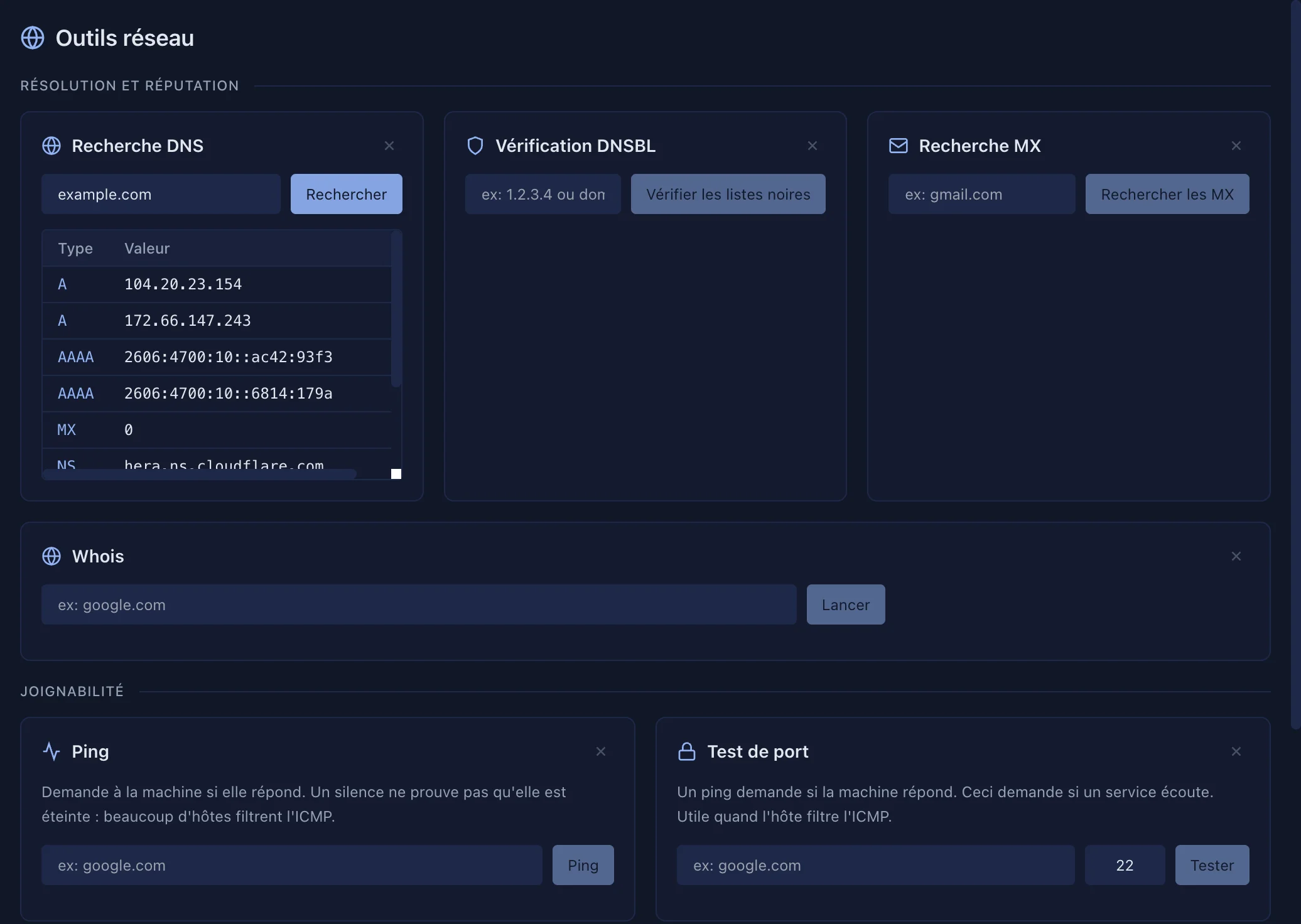
The cards come in three families: this machine, then names and reputation, then reachability.
| Tool | What it does |
|---|---|
| Network Interfaces | IPv4, IPv6 and MAC addresses of every interface of the Mac |
| DNS Lookup | A, AAAA, MX, CNAME, NS and TXT records of a name; an IP address gives its name (PTR) |
| DNSBL Check | An IP address (or a domain) against 7 spam blacklists |
| MX Lookup | Mail servers of a domain, their IP, their reverse name, and whether they are on a blacklist |
| Whois | Holder, registrar, creation and expiry dates of a domain |
| Ping | Ten ICMP echoes, with the response times |
| Port check | Is a service listening? Open, closed (refused) or filtered |
| Traceroute | The routers crossed to the destination, 30 hops at most |
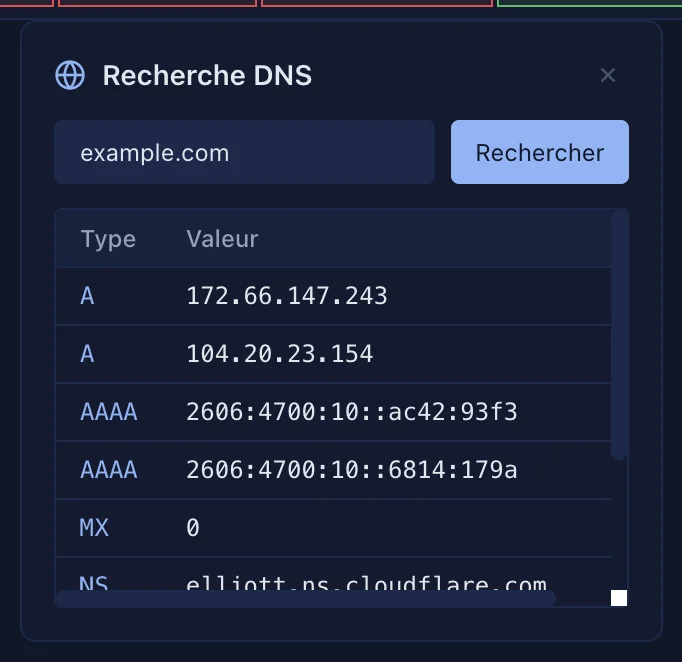
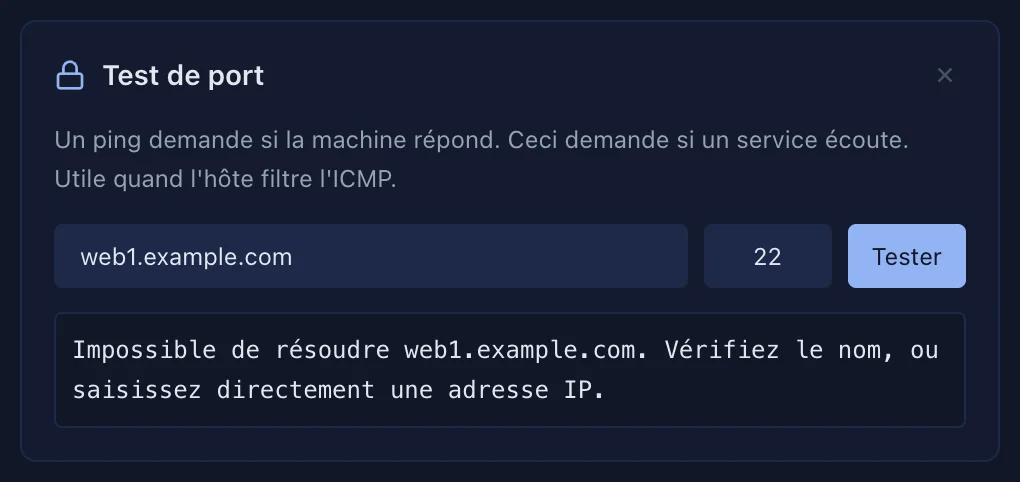
Each card can be moved (drag it) or hidden (the cross); Hidden tools, at the bottom, brings them back.
Applies to SSHive 2.0.6 on Mac