Contents
Remote desktop
VNC
Pro
For a Raspberry Pi, a Mac (Screen Sharing), or a Linux machine with a VNC server (TigerVNC, RealVNC, x11vnc, wayvnc).
By Lucas Russo, developer of SSHive · Updated
- New Connection, Type: VNC. Port 5900.
- Password, and Username if the server asks for one (see the table).
- Test Connection: SSHive says which method the server asks for, without trying the password.
- Create, then double-click.
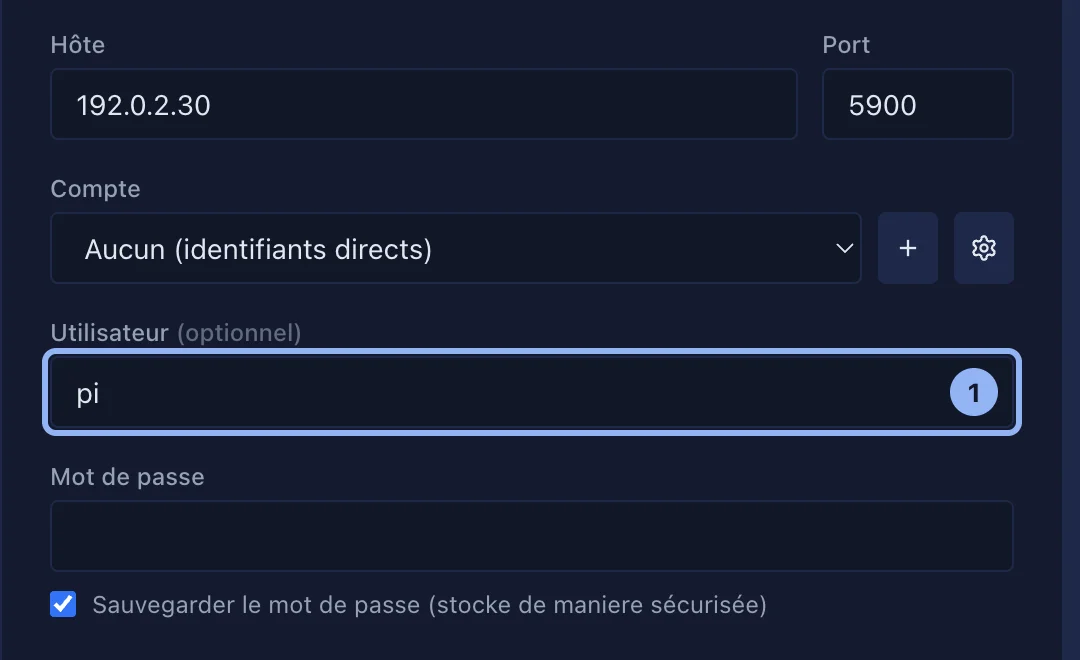
| Machine | Username | Password |
|---|---|---|
| Recent Raspberry Pi (wayvnc, factory setting) | The Pi account | The password of that account |
| Mac, Screen Sharing | The Mac account | The password of that account |
| RealVNC Server with its own accounts | The account | Its password |
| TigerVNC, x11vnc, VNC password alone | Empty | The VNC password |
If the server asks for a username that is missing, SSHive says so: add it to the server, then connect again.
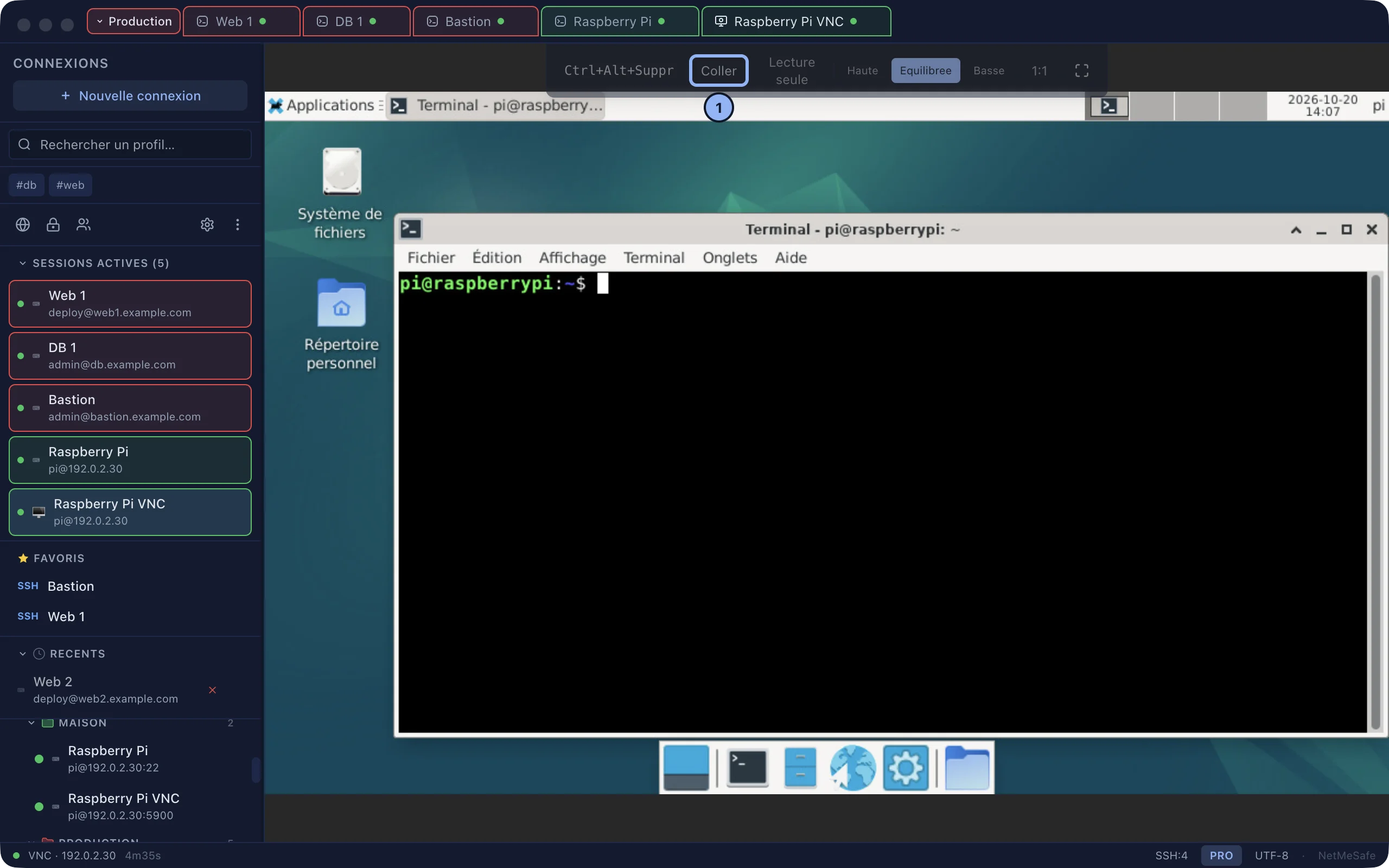
The VNC bar
Ctrl+Alt+Del, Paste, View only (watch without acting), quality High / Balanced / Low, 1:1 or Fit, full screen.
Keyboard and clipboard
- ⌘ plays the part of Ctrl. ⌥ keeps accents and the characters
| ~ { }. - From the server to the Mac: automatic.
- From the Mac to the server: ⌘V in the desktop, or the Paste button, which sends the text and types it. A long text, or several lines: it is sent, and you then paste it with Ctrl+V on the server.
- To send the Mac clipboard automatically every time you come back to the window: Settings > Connection, VNC card, Send clipboard to the VNC server (off by default; on an unencrypted connection, the text travels in clear).

Password refused
SSHive asks for it again, 3 times at most. After that, the disconnection screen offers Enter password again. SSHive does not retry on its own: some servers block after five failures.
The identity of the server
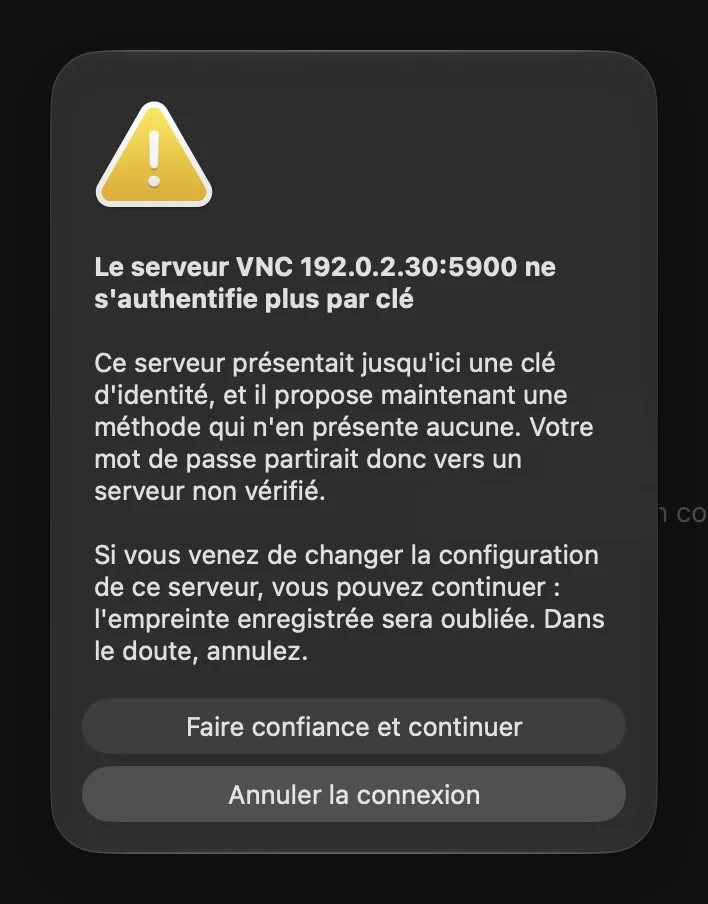
For the servers that present one (RealVNC, wayvnc), SSHive remembers the fingerprint at the first connection, and warns if it changes (VNC security warning). The list, and removing an entry: Settings > Security, Trusted VNC servers.
Applies to SSHive 2.0.6 on Mac