Contents
Connections
Quick connect and history
For the server you reach once and never again, and for the one you reached last week and would rather not look up.
By Lucas Russo, developer of SSHive · Updated
Quick connect
⌘K opens a palette:
- type a few letters to find a saved server, by name, host, user, folder or tag, then Return;
- or type
user@host, oruser@host:port, and SSHive opens an SSH session without saving anything.

History
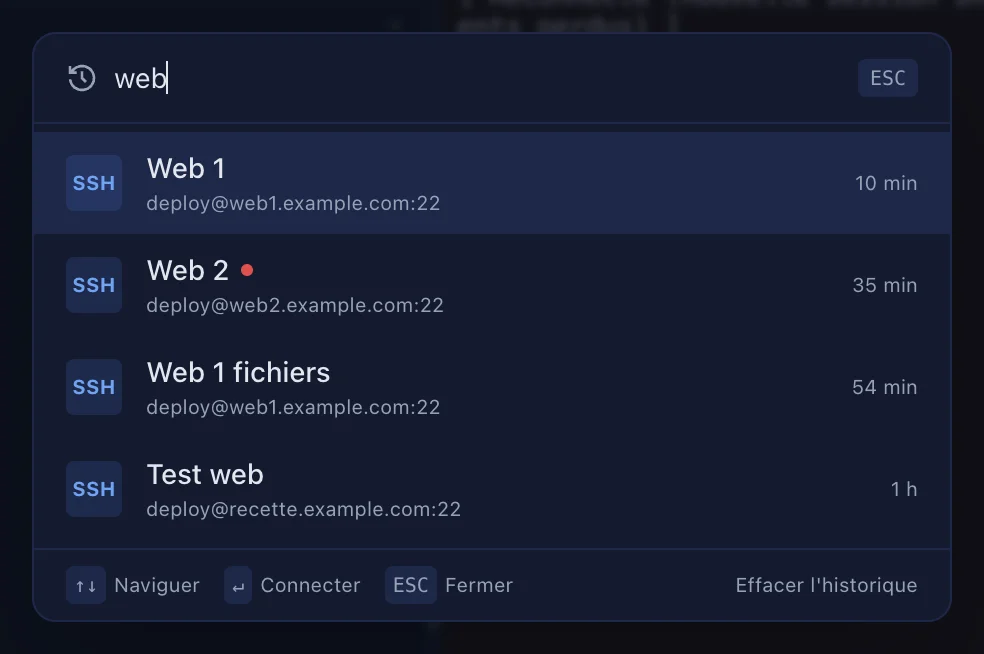
⌘R searches the connection history; Return reopens an entry. To empty it: the sidebar, More actions (⋯), Clear history.
From the Dock
Right-click the SSHive icon in the Dock: New Connection… and Recent Connections, the last 8.
Applies to SSHive 2.0.6 on Mac