Contents
Connections
Organise your servers
Folders, colours and tags are what keep a sidebar of a hundred servers usable. None of it is required, and all of it can be changed later.
By Lucas Russo, developer of SSHive · Updated
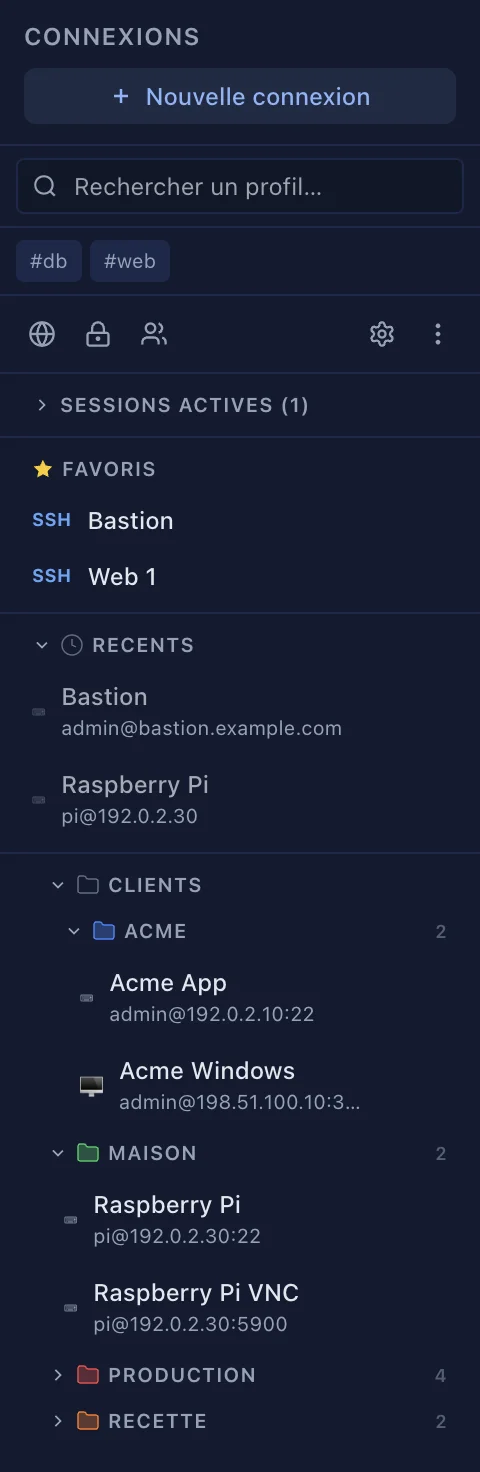
Folders
- Create one: right-click in the sidebar, New folder….
- A subfolder: right-click a folder, New subfolder.
- Put a server away: drag it onto the folder, or right-click Move to..., or use the Folder field of the form.
- Rename, Delete folder: right-click the folder. Deleting a folder does not delete its servers; they go back to the root.
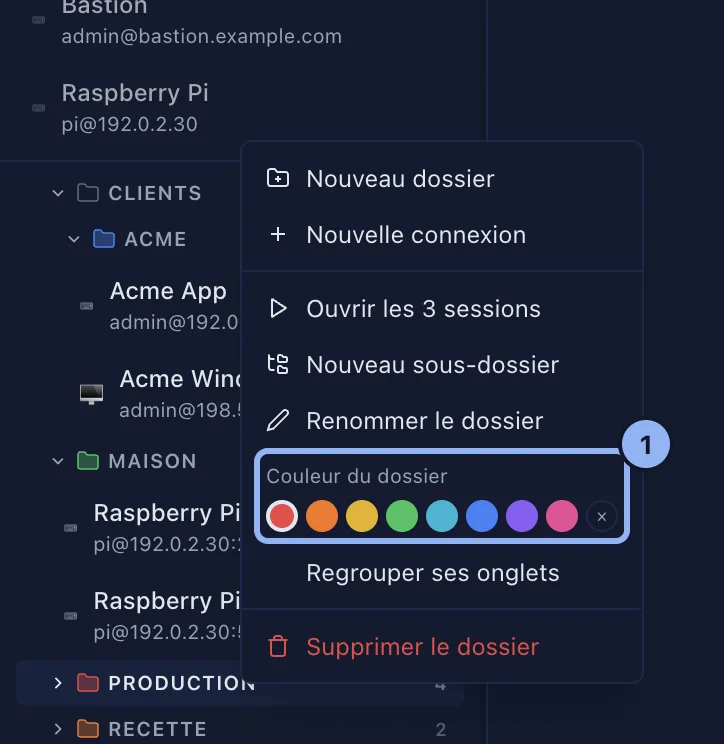
Colours and tags
In the server form: Color, eight dots, and Tags, where Return or a comma adds one. Tags appear under the sidebar search: click #tag to filter on it.
Search
Search profiles… filters on name, host, user, folder and tags.
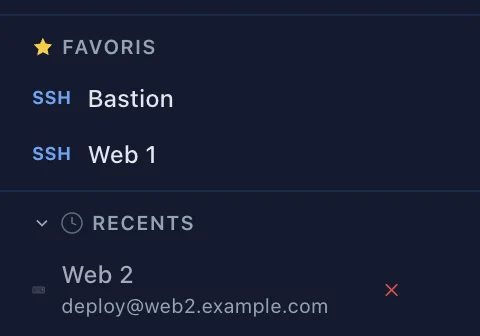
Favourites and recent
- Favorites: right-click a server, Add to favorites. A Favorites section appears at the top of the sidebar.
- Recent: the last 5 connections that are not currently open; a cross marks one that failed.
- In those two sections one click opens the session. In the folder tree it takes a double-click, or Return.
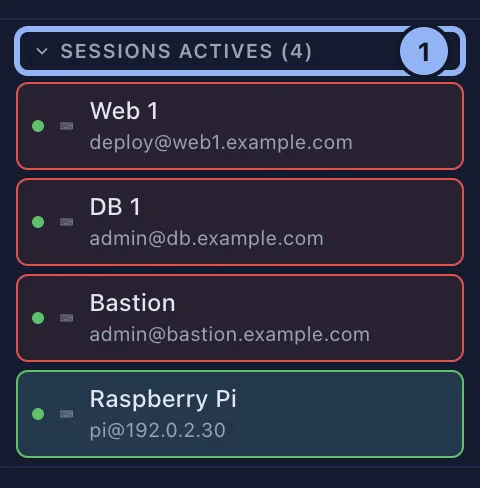
Active sessions
Changing the order
Drag a server above or below another one, or right-click Move up / Move down, or press ⌥↑ and ⌥↓. The order cannot be changed while a search is running.
Applies to SSHive 2.0.6 on Mac