Contents
Security and data
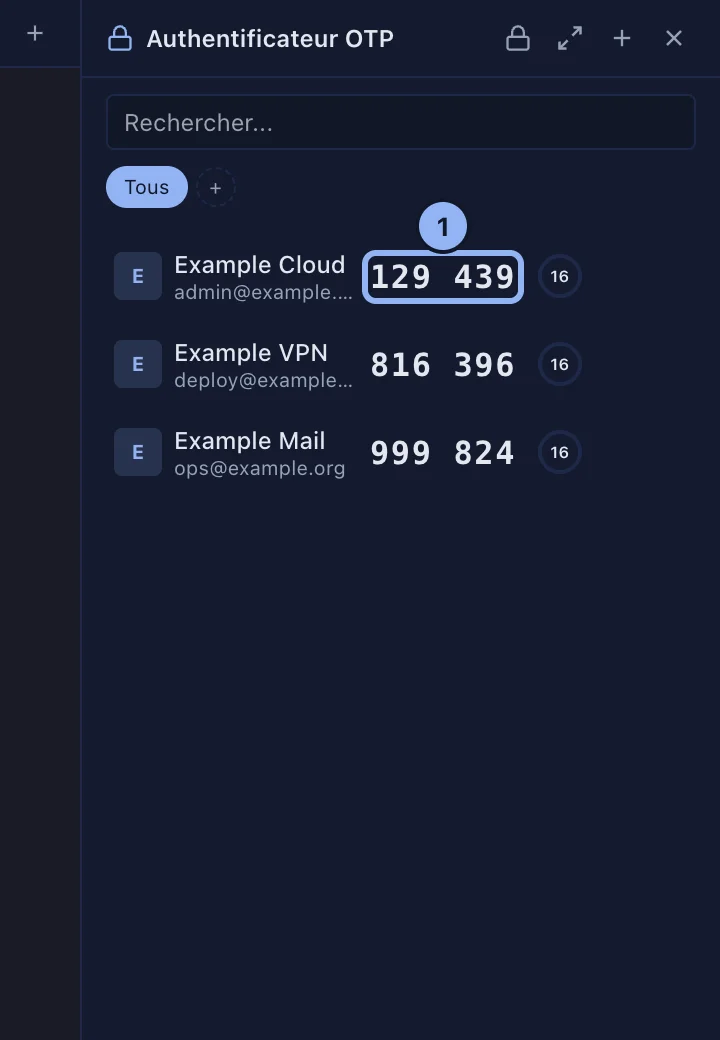
The OTP authenticator
SSHive holds a TOTP code authenticator, the kind Google Authenticator, Authy and Aegis are, in a vault encrypted by its own password.
By Lucas Russo, developer of SSHive · Updated
- Open it with the OTP Authenticator icon of the sidebar, or ⌘⇧O.
- The first time: Create OTP Vault, with a password of 8 characters at least. It is never saved.
- Add a token (+ Add): by hand (issuer, account, Base32 secret, algorithm, digits, period), by its
otpauth://totp/...address, or with Import (a list of addresses, or an Aegis JSON export). - Click a code to copy it.
Applies to SSHive 2.0.6 on Mac