Contents
Files
The file editor
Change a file on the server without downloading it: a configuration, a script, a web page.
By Lucas Russo, developer of SSHive · Updated
- In the SFTP panel, double-click the file, or right-click Open (editor).
- Make your changes. ● modified appears in the title bar.
- ⌘S, or the save button. The file is written back to the server: ✓ saved.
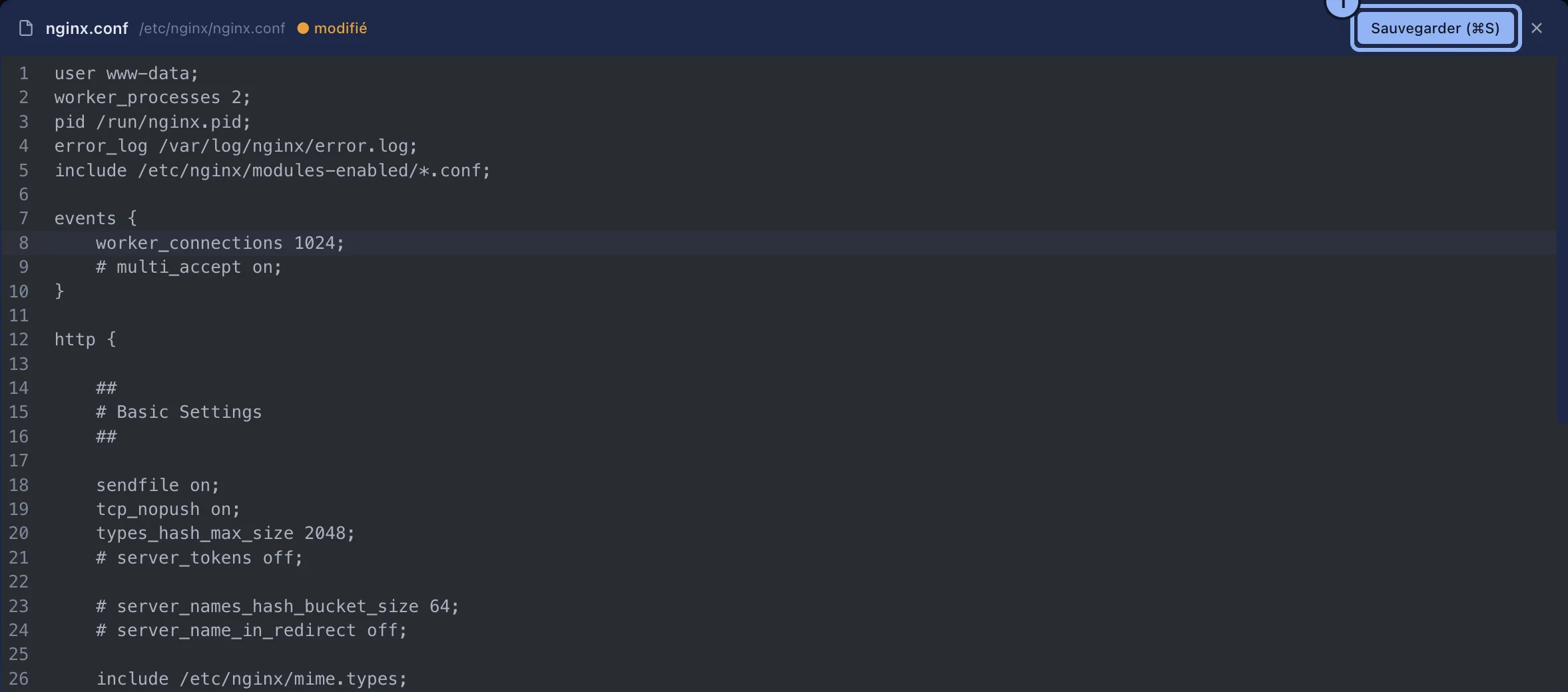
- Highlighting follows the extension: JavaScript and TypeScript, Python, JSON, HTML, CSS, XML, YAML, Markdown, shell.
- The status bar: line and column, the number of lines, the language, the line endings, LF or CRLF, kept as they were, the encoding and the size.
- Closing without saving: SSHive asks whether to save, not to save, or cancel.
Applies to SSHive 2.0.6 on Mac