Contents
Files
Connect over FTP and FTPS
For a web host, a NAS, or a device that offers nothing but FTP.
By Lucas Russo, developer of SSHive · Updated
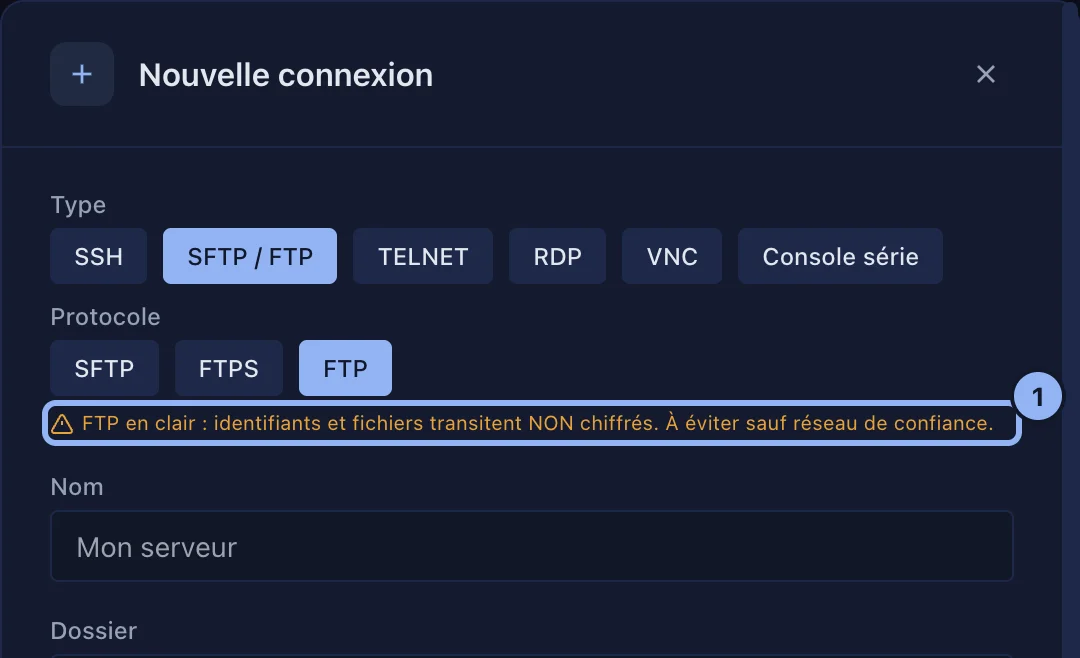
- New Connection, Type: SFTP / FTP, Protocol: FTPS, which is FTP encrypted by TLS, if the server allows it, and FTP otherwise.
- Port 21 by default. A username and a Password: FTP and FTPS accept nothing else.
- Create, then a double-click to open the file manager.
An FTPS server's certificate
SSHive accepts the certificate on the first connection and remembers it. If it changes, FTPS security warning shows the old and the new fingerprint: Cancel connection when in doubt, Update and continue if the certificate was renewed. A valid certificate from a recognised authority is accepted without a question.
Applies to SSHive 2.0.6 on Mac