Contents
AI assistant and MCP
Driving Windows sessions
Pro
The assistant sees the screen of the Windows sessions you have opened, and can click, scroll, type text and shortcuts, and use the clipboard. It opens no session itself.
By Lucas Russo, developer of SSHive · Updated
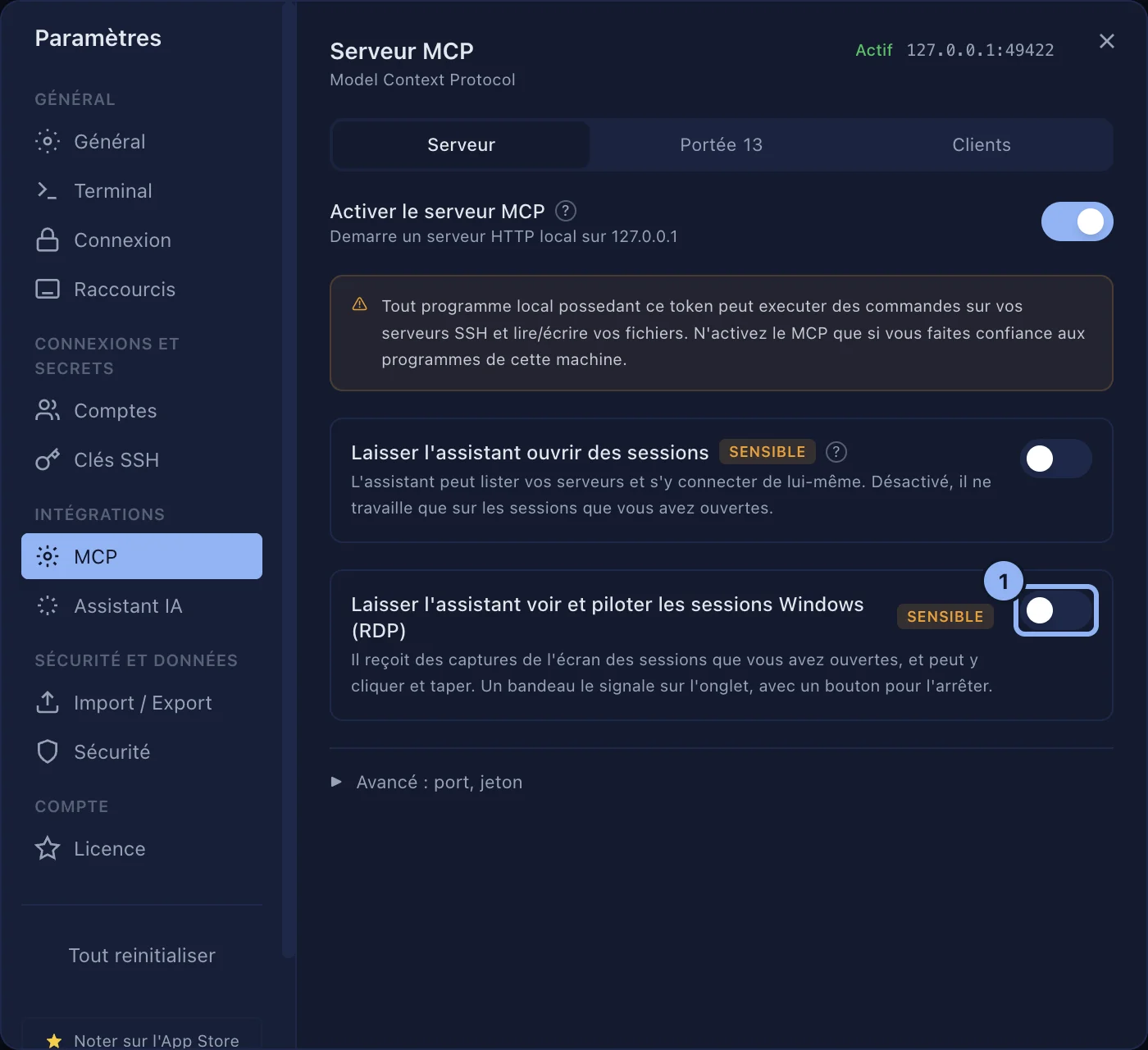
- Settings > MCP, Server tab: turn Let the assistant see and control Windows sessions (RDP) on.
- Open the Windows session in SSHive yourself.
- Ask the assistant what it has to do there.
While the assistant acts, a banner The assistant is controlling this session shows at the bottom of the desktop, and a circle marks each of its clicks. Stop takes its hand off this session at once; Allow again gives it back. The stop lasts until the tab is closed.
Applies to SSHive 2.0.8 on Mac