Contents
Connections
Open several sessions at once
A folder is often a group of machines you work on together. Opening it in one action, and bringing all of it back after a cut, saves the clicking.
By Lucas Russo, developer of SSHive · Updated
Open a whole folder
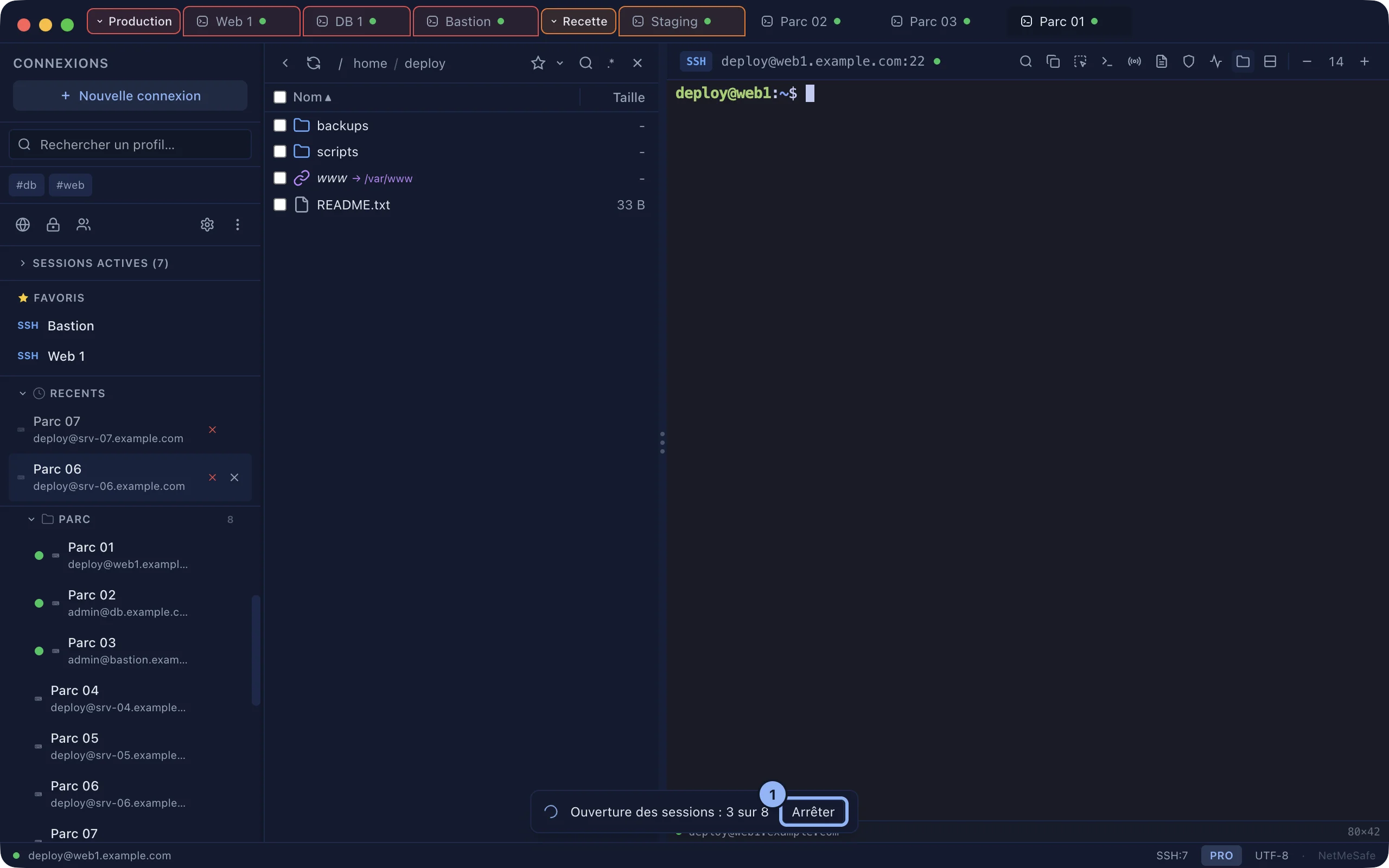
- Right-click a folder, Open the N sessions. Subfolders are included, and a server already connected is not reopened.
- Past ten, SSHive asks for confirmation.
- A banner follows the progress. Stop launches no more of them; the ones already running finish.
- At the end, a summary: opened, already open, failed.
Reconnect everything
After a cut, from the network or from sleep, the header of Active Sessions offers Reconnect all: every disconnected SSH, RDP and VNC session starts again in its own tab. The same entry is in a tab's menu.

Applies to SSHive 2.0.8 on Mac